
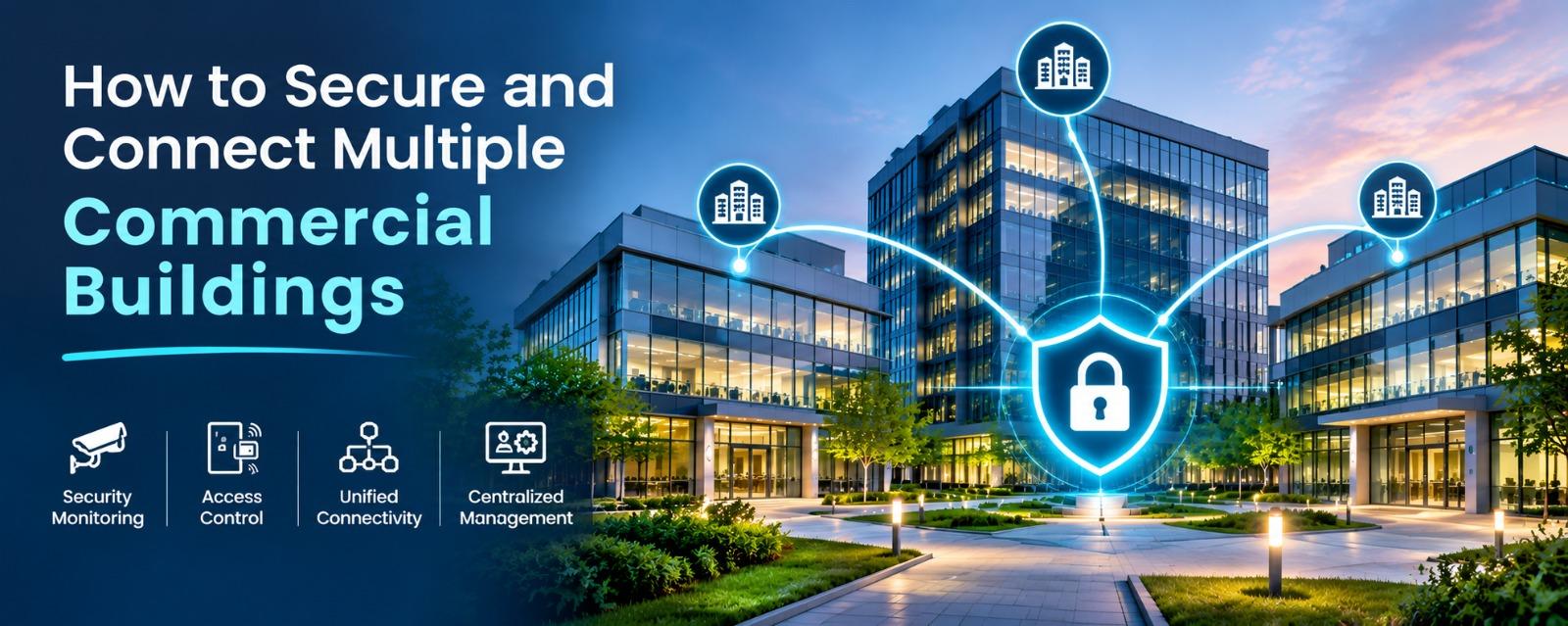
Managing several commercial buildings creates challenges that businesses don’t always face at a single location. Employees need reliable access to shared systems, important equipment must remain protected, and visitors should be able to move through authorised areas without unnecessary delays.
The best approach is to plan network connectivity and physical protection together while keeping responsibilities clearly defined. Reliable connections allow information to move between buildings, while appropriate on-site security measures help protect people, property, and essential infrastructure.
Whether you’re managing a business park, corporate campus, industrial facility, or several office buildings, careful planning can reduce operational interruptions and make everyday management easier.
Why Multi-Building Sites Need Careful Planning
Operating from several buildings introduces additional responsibilities for IT teams, facilities managers, and business owners.
Employees may work in different locations while relying on the same applications, communication platforms, and business records. Visitors, contractors, and delivery personnel may also need access to specific buildings throughout the day.
Without clear planning, these activities can create problems.
For example, a company operating three office buildings may struggle if employees in one location cannot access applications hosted in another. Similarly, poorly managed building entrances can make it difficult to monitor visitor movements.
Before investing in new equipment or services, businesses should identify which activities depend on connectivity and which areas require additional physical protection.
Understanding these requirements helps management make practical decisions based on actual risks.
Build a Reliable Network Between Buildings
Connecting separate buildings requires more planning than installing equipment inside a single office.
Distance, existing cabling, network capacity, and environmental conditions all influence the design.
For nearby buildings, fibre optic connections are often a suitable option because they can support high-speed data transmission over distances that exceed typical copper Ethernet limits.
A fibre connection can allow different buildings to access shared applications, servers, and communication systems.
However, businesses should consider more than connection speed.
The network must also support the expected number of users, the applications they operate, and any additional connected devices.
A company with several hundred employees may have different requirements from a small business using two neighbouring offices.
IT teams should map the buildings, identify existing infrastructure, and determine which locations need direct connections.
This helps prevent unnecessary installation costs and future capacity problems.
Choose the Right Fibre Connectivity Equipment
Fibre networks depend on compatible equipment at both ends of a connection.
Optical transceivers convert electrical signals from networking devices into optical signals for transmission through fibre cables.
These modules are available in different configurations to support various speeds, cable types, and connection distances.
Businesses evaluating Cisco SFPs should check compatibility with their existing equipment, supported data rates, optical specifications, and required transmission distance.
For example, a business connecting two buildings using an existing fibre link should confirm whether the installed cable is single-mode or multimode before selecting transceivers.
The modules at both ends must support compatible optical characteristics and the intended connection speed.
It’s also important to verify that the network devices support the selected modules.
Purchasing equipment based on appearance or connector type alone can lead to compatibility problems and unstable connections.
A careful compatibility check helps avoid unnecessary replacements and troubleshooting.
Consider Network Distance and Cable Routes
The distance between buildings can affect equipment selection and installation costs.
Standard copper Ethernet cabling has practical distance limitations, making fibre a common choice for longer building-to-building connections.
However, the actual design must consider the cable route, not simply the distance between two buildings on a map.
For example, two offices may be only 150 metres apart in a straight line, but the installed cable could travel a longer route through underground ducts and equipment rooms.
Businesses should also consider environmental protection, cable pathways, and access for maintenance.
Outdoor cable installations may require suitable ducts, protective materials, and professional installation methods.
Before purchasing optical modules, IT teams should confirm the installed fibre type, total link length, connector specifications, and optical loss budget.
These details help ensure that the proposed equipment can support a reliable connection.
Protect Important Network Equipment
Connecting multiple buildings creates additional locations where important equipment may be installed.
Network cabinets, communication rooms, fibre termination points, and power supplies can become critical to everyday operations.
If unauthorised individuals can access these areas, they may accidentally or deliberately interfere with important connections.
Businesses should restrict access to technical rooms and maintain records of authorised personnel.
Equipment cabinets should also provide suitable ventilation and protection against environmental conditions.
For example, a network switch installed in a poorly ventilated storage cupboard may experience overheating problems.
Cabling should be clearly labelled so technicians can identify connections without disconnecting unrelated equipment.
Regular inspections help identify damaged cables, loose connections, and equipment faults before they cause wider interruptions.
Physical protection of technical infrastructure should be considered part of overall network reliability.
Manage Access Across Commercial Buildings
Large commercial sites often have several entrances, reception areas, loading points, and restricted spaces.
Managing access consistently becomes more difficult when employees and visitors move between buildings.
Businesses should establish clear procedures for identifying authorised personnel and managing temporary visitors.
For example, a contractor responsible for maintaining equipment in one building may not need access to offices or storage areas elsewhere on the site.
Entry permissions should reflect actual responsibilities.
Staff should also know how to respond when someone attempts to access an unauthorised area.
A consistent visitor registration process can help management understand who is present and which areas they are permitted to enter.
These procedures should remain practical enough to support daily operations without creating unnecessary delays.
Understand the Value of On-Site Security Personnel
Technology can help monitor activity, but some commercial properties also benefit from a visible security presence.
Business parks, industrial sites, and larger office facilities may require personnel to manage visitors, monitor entrances, and respond to incidents.
The appropriate arrangement depends on the premises, operating hours, and level of risk.
Businesses considering Manned Guarding Services should assess the duties required at each location and establish clear expectations before selecting a provider.
For example, one building may need reception and visitor support, while another requires regular checks around storage areas and external entrances.
Security officers can support agreed access procedures, document incidents, and communicate concerns to designated managers.
For UK commercial premises, businesses should verify that personnel carrying out regulated security activities hold the appropriate Security Industry Authority licences.
Clear responsibilities help ensure that protective arrangements support the site’s actual requirements.
Coordinate Technology and Security Responsibilities
IT personnel and physical security teams have different responsibilities, but their work can affect the same building operations.
For example, an electronic entrance may rely on network connectivity to communicate with a central management system.
A technical fault could therefore affect how access permissions are managed.
Similarly, connected cameras may depend on network equipment maintained by the IT department.
Businesses should establish clear communication between the teams responsible for these systems.
IT personnel can investigate connectivity problems, while authorised security staff manage site procedures and respond to physical concerns.
The arrangement should specify who receives fault reports, who can approve temporary changes, and how important incidents are escalated.
This coordination is particularly useful when systems affect several buildings simultaneously.
Prepare for Network and Power Failures
Unexpected technical problems can interrupt operations across multiple locations.
A damaged fibre cable, power failure, or equipment fault may affect communication between buildings.
Businesses should identify which connections support critical activities and determine how long those services can remain unavailable.
For example, if two buildings share essential business applications through one network connection, a fault could prevent employees in the second building from accessing those systems.
Where justified, alternative network routes may reduce dependence on a single connection.
Backup power may also help selected equipment remain available during short interruptions.
However, these arrangements should be designed around actual operational requirements and realistic recovery expectations.
Employees should understand how to report problems and which temporary procedures are available when normal systems cannot be used.
Plan for Future Expansion
Commercial sites often change as businesses grow.
An organisation may open another building, expand warehouse space, introduce new equipment, or employ additional staff.
These developments can increase network demand and change physical security requirements.
Planning future capacity during the original installation can reduce the need for expensive alterations.
For example, installing suitable additional fibre capacity during construction may be more practical than reopening completed cable routes later.
However, expansion planning should remain realistic.
Businesses should evaluate the likely increase in users, connected devices, and operational activities before purchasing additional equipment.
Physical security arrangements should also be reviewed when new entrances, external areas, or storage locations are introduced.
Maintain Clear Documentation and Regular Reviews
A well-designed commercial site still requires ongoing maintenance.
Network diagrams, equipment records, cable labels, and access procedures should remain accurate as systems change.
Businesses should document important connections and identify the teams responsible for maintaining them.
Regular reviews can help identify unsupported equipment, damaged infrastructure, and areas where existing procedures no longer meet operational needs.
For example, a building renovation may alter cable routes or change how visitors enter the property.
Updating technical records and site instructions after such changes helps prevent confusion.
Employees should also know whom to contact when they identify equipment faults or security concerns.
Clear documentation makes it easier to maintain reliable operations across several locations.
Conclusion
Connecting and protecting multiple commercial buildings requires a practical approach to network design, equipment compatibility, access management, and operational planning.
Businesses should begin by understanding how their buildings communicate and which areas contain important people, information, and equipment.
Reliable fibre connections support communication between locations, while appropriate on-site protection helps safeguard commercial premises.
Regular maintenance, clear responsibilities, and realistic expansion planning can reduce unnecessary interruptions.
The most effective approach is to make technology and physical protection support the same business objective: keeping essential operations reliable, accessible, and secure.


Leave a reply